Der Stativadapter ist individuell aus einem massiven Aluminiumblock gefertigt und bietet zwei Standard-Stativbefestigungspunkte mit 3/8-16- bzw. leichtem 1/4-20-Gewinde. Dadurch können Sie den AxiDraw bei Bedarf auf einem Stativ montieren.
Wir empfehlen dringend die Verwendung eines stabilen Stativs mit einem 3/8-16-Anschlusspunkt und einem geeigneten Gegengewicht (Sandsack, Hebegewichte usw.), um das Gewicht des AxiDraw während des Gebrauchs auszugleichen.
Die Installation ist unkompliziert und erfordert keine anderen Werkzeuge als die im Lieferumfang von AxiDraw enthaltenen: Entfernen Sie die vorhandenen Fußpolster vom AxiDraw (entweder Standard- oder Auslegerfüße, je nach Modell) und befestigen Sie diese Platte an den festgehaltenen Muttern in der Unterseite des AxiDraw. Bei AxiDraw SE/A3 (April 2019 und neuer) wird der Stativadapter direkt an den Gewindelöchern in der Basis der Maschine befestigt. Dieser robuste Stativadapter ist mit AxiDraw V3, AxiDraw V3/A3 und AxiDraw V3 XLX kompatibel. Es ist auch mit AxiDraw SE/A3 kompatibel, das im April 2019 und neuer hergestellt wurde.
Spezifikationen
Material: Eloxiertes 6061-T6-Aluminium
Größe: 3,90 x 2,36 x 0,35 Zoll (99,1 x 60 x 8,3 mm)
Gewicht: ca. 144 g
Montagematerial: im Lieferumfang enthalten (vier M4x10-Montageschrauben aus hochfestem Stahl)
Diese starre Endeffektorplatte ist als Ersatz für den standardmäßigen AxiDraw-Stiftlift-Z-Tisch konzipiert und bietet ein alternatives Montageschema für die Montage verschiedener Dinge am Ende des AxiDraw-Arms für Anwendungen, bei denen eine größere Steifigkeit, aber die Hebefähigkeit wichtig sind des Standard-Z-Tisches ist nicht erforderlich.
Der starre Endeffektor ist speziell aus Aluminium gefertigt und verfügt über sechs M3-Gewindelöcher und zwei M4-Gewindelöcher für die Montage dessen, was Sie am Ende des AxiDraw montieren möchten, um ihn als 2D-Roboterarm zu verwenden. Das Lochmuster ist mit dem AxiDraw-Stiftclip kompatibel, sodass Sie bei Bedarf den AxiDraw-Stiftclip an diesem Endeffektor montieren können. Die Installation ist unkompliziert, erfordert jedoch einen Pozidrive PZ2-Schraubendreher, der nicht im Lieferumfang enthalten ist*. Entfernen Sie den Stiftclip des AxiDraw und entfernen Sie dann die Z-Stufe für den Stiftlift, indem Sie zwei Schrauben mit dem PZ2-Schraubendreher entfernen. Installieren Sie die starre Endeffektorplatte mit den beiden mitgelieferten Montageschrauben und dem PZ2-Schraubendreher an ihrer Stelle. Möglicherweise möchten Sie auch die Kabelführungen des AxiDraw zurückbinden oder vollständig entfernen, die normalerweise zur Stromversorgung der Stifthubstufe dienen.
Spezifikationen
Material: Eloxiertes 6061-T6-Aluminium
Größe: 1,97 x 1,38 x 0,19 Zoll (50 x 35 x 4,8 mm)
Gewicht: ca. 11g
Montagematerial: im Lieferumfang enthalten (zwei selbstschneidende M4x12-Pozidrive-Schrauben)
Kompatibilität
Alle Stiftplotter der AxiDraw V3-Familie
AxiDraw V3/A3
AxiDraw SE/A3
AxiDraw MiniKit-Modelle
Zusätzliche Staffeleibretter für AxiDraw V3/A3 können als Ersatz oder zur Bereitstellung zusätzlicher Werkstücke für den schnellen Wechsel zum nächsten Plot verwendet werden.
Dieses Set besteht aus einer 11,75 x 17 Zoll (29,85 x 43,18 cm) großen Hartfaserplatte mit angebrachten Gummifüßen sowie acht Mikrobinderklammern.
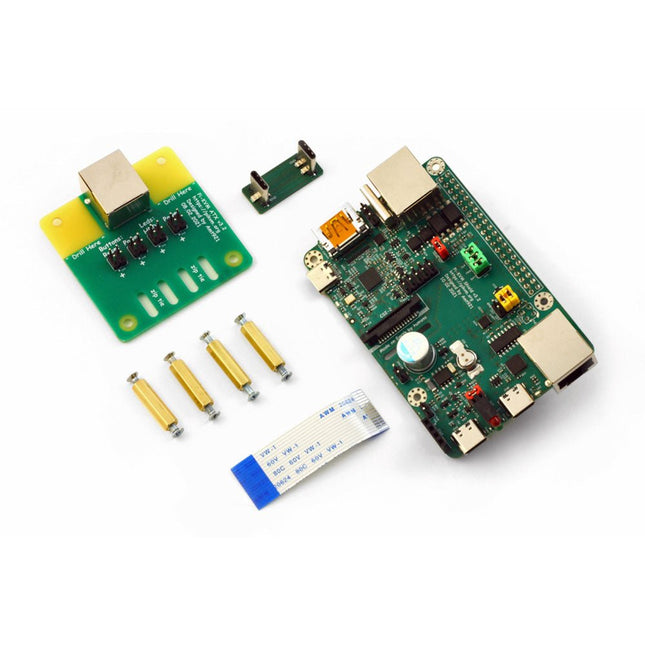
PiKVM V3 ist ein auf Raspberry Pi-basiertes Open Source KVM over IP-Gerät. Es hilft Ihnen bei der Fernverwaltung von Servern oder Workstations, unabhängig vom Status des Betriebssystems oder davon, ob eines installiert ist.
Mit PiKVM V3 können Sie Ihren Computer ein-/ausschalten oder neu starten, das UEFI/BIOS konfigurieren und sogar das Betriebssystem mithilfe der virtuellen CD-ROM oder des Flash-Laufwerks neu installieren. Sie können Ihre Remote-Tastatur und -Maus verwenden oder PiKVM kann eine Tastatur, Maus und einen Monitor simulieren, die dann in einem Webbrowser angezeigt werden, als ob Sie direkt an einem Remote-System arbeiten würden.
Features
HDMI Full HD Aufnahme basierend auf dem TC358743-Chip (extra niedrige Latenz ~100 ms und viele Funktionen wie Kompressionskontrolle)
OTG Tastatur & Maus; Emulation von Massenspeicherlaufwerken
Fähigkeit zur Simulation von "Entfernen und Einstecken" für USB
Integrierte ATX-Stromsteuerung
Integrierte Lüftersteuerung
Echtzeituhr (RTC)
RJ-45 und serieller USB-Konsolenanschluss (zur Verwaltung des PiKVM OS oder zur Verbindung mit dem Server)
Optionales AVR-basiertes HID (für einige seltene und seltsame Motherboards, deren BIOS die OTG-emulierte Tastatur nicht versteht)
Optionaler OLED-Bildschirm zur Anzeige des Netzwerkstatus oder anderer gewünschter Informationen
Fertig aufgebautes Board, kein Löten oder Breadboarding erforderlich.
PiKVM OS – die Software ist vollständig quelloffen
Lieferumfang
PiKVM V3 HAT Karte für Raspberry Pi 4
USB-C Bridge Board, um den HAT mit dem RPi über USB-C zu verbinden
ATX-Controller-Adapterplatine und Verkabelung, um den HAT mit dem Motherboard zu verbinden (wenn Sie die Stromversorgung über die Hardware verwalten möchten)
2 flache CSI-Kabel
Schrauben und Messingabstandshalter
Erforderlich
Raspberry Pi 4
MicroSD-Karte
USB-C nach USB-A Kabel
HDMI-Kabel
Gerades Ethernet-Kabel (für den Anschluss der ATX-Erweiterungskarte)
Netzteil (5,1 V/3 A USB-C, offizielles Raspberry Pi-Netzteil wird empfohlen)
Downloads
User Guide
Images
GitHub
Links
Das PiKVM-Projekt und seine Lehren: Ein Interview mit Maxim Devaev (Entwickler von PiKVM)
Raspberry Pi als KVM-Fernsteuerung
Space, the final frontier, will become more and more popular. The space industry is continually growing and new products and services will be required. Innovation is needed for the development of this industry. Today it is no longer possible to follow all the events in field of space. The space market is growing and activities are increasing, especially the market for small-satellites.
This book wants to help close the gap and encourage electronic engineers to enter into the fascinating field of space electronics. One of the main difficulties is finding people with knowledge of space electronics design. Nowadays companies have to invest a lot of time and resources to instruct electronic engineers with no experience of space. Only a brief and basic introduction of this topic is typically achieved at university in space engineering lectures. Professionals with practical experience and the necessary theoretical knowledge are scarce. Companies from the space sector are searching for staff with knowledge of space electronics.
This book will bring space closer aspiring to the space electronic hobbyists.
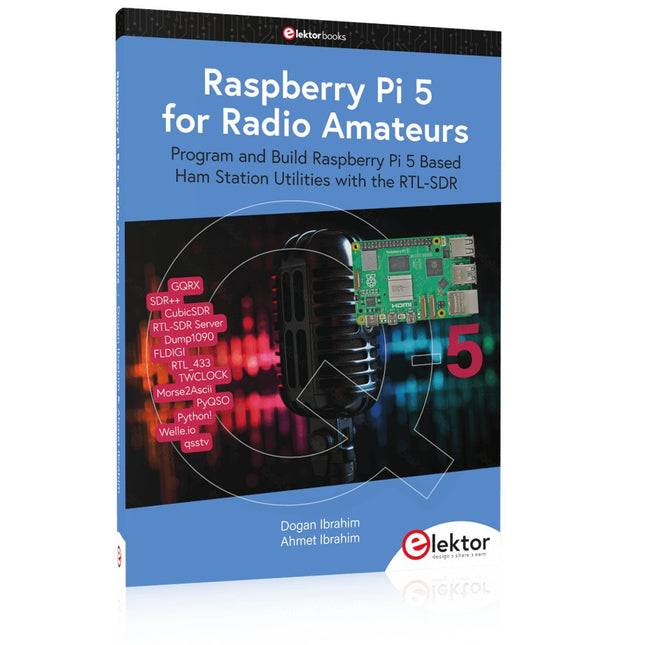
Program and Build Raspberry Pi 5 Based Ham Station Utilities with the RTL-SDR
The RTL-SDR devices (V3 and V4) have gained popularity among radio amateurs because of their very low cost and rich features. A basic system may consist of a USB based RTL-SDR device (dongle) with a suitable antenna, a Raspberry Pi 5 computer, a USB based external audio input-output adapter, and software installed on the Raspberry Pi 5 computer. With such a modest setup, it is possible to receive signals from around 24 MHz to over 1.7 GHz.
This book is aimed at amateur radio enthusiasts and electronic engineering students, as well as at anyone interested in learning to use the Raspberry Pi 5 to build electronic projects. The book is suitable for both beginners through experienced readers. Some knowledge of the Python programming language is required to understand and eventually modify the projects given in the book. A block diagram, a circuit diagram, and a complete Python program listing is given for each project, alongside a comprehensive description.
The following popular RTL-SDR programs are discussed in detail, aided by step-by-step installation guides for practical use on a Raspberry Pi 5:
SimpleFM
GQRX
SDR++
CubicSDR
RTL-SDR Server
Dump1090
FLDIGI
Quick
RTL_433
aldo
xcwcp
GPredict
TWCLOCK
CQRLOG
klog
Morse2Ascii
PyQSO
Welle.io
Ham Clock
CHIRP
xastir
qsstv
flrig
XyGrib
FreeDV
Qtel (EchoLink)
XDX (DX-Cluster)
WSJT-X
The application of the Python programming language on the latest Raspberry Pi 5 platform precludes the use of the programs in the book from working on older versions of Raspberry Pi computers.
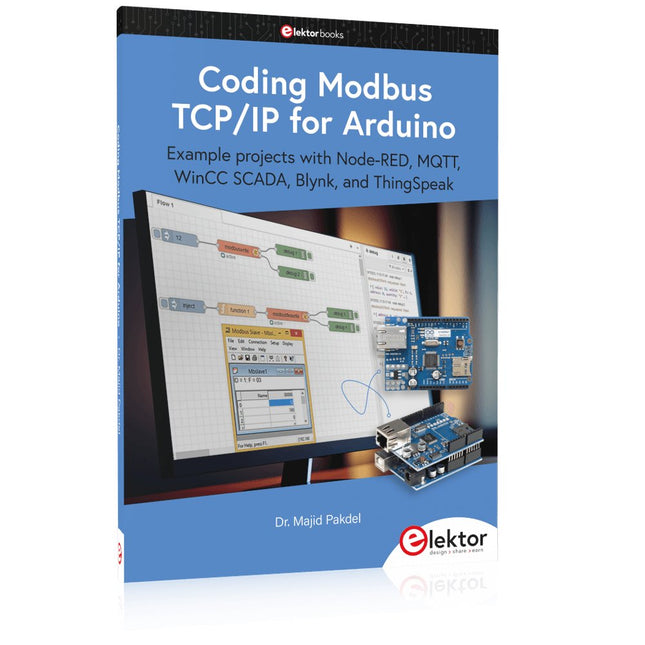
Example projects with Node-RED, MQTT, WinCC SCADA, Blynk, and ThingSpeak
This comprehensive guide unlocks the power of Modbus TCP/IP communication with Arduino. From the basics of the Modbus protocol right up to full implementation in Arduino projects, the book walks you through the complete process with lucid explanations and practical examples.
Learn how to set up Modbus TCP/IP communication with Arduino for seamless data exchange between devices over a network. Explore different Modbus functions and master reading and writing registers to control your devices remotely. Create Modbus client and server applications to integrate into your Arduino projects, boosting their connectivity and automation level.
With detailed code snippets and illustrations, this guide is perfect for beginners and experienced Arduino enthusiasts alike. Whether you‘re a hobbyist looking to expand your skills or a professional seeking to implement Modbus TCP/IP communication in your projects, this book provides all the knowledge you need to harness the full potential of Modbus with Arduino.
Projects covered in the book:
TCP/IP communication between two Arduino Uno boards
Modbus TCP/IP communication within the Node-RED environment
Combining Arduino, Node-RED, and Blynk IoT cloud
Interfacing Modbus TCP/IP with WinCC SCADA to control sensors
Using MQTT protocol with Ethernet/ESP8266
Connecting to ThingSpeak IoT cloud using Ethernet/ESP8266
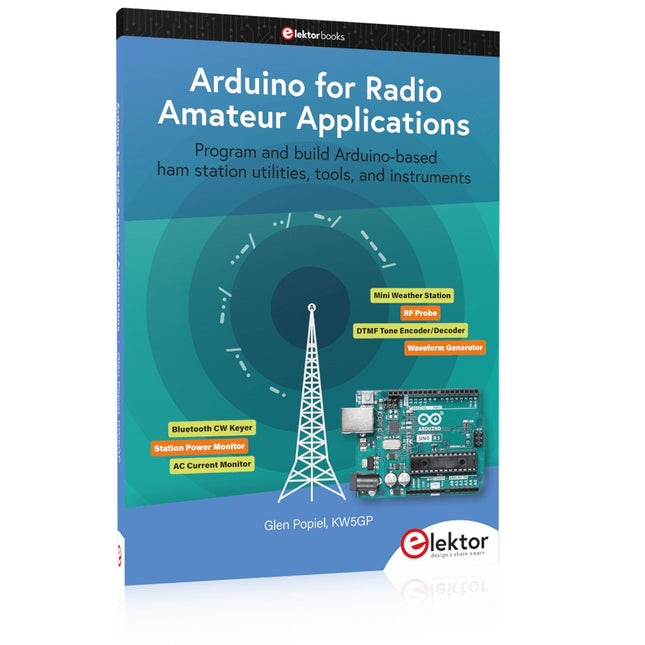
Program and build Arduino-based ham station utilities, tools, and instruments
In addition to a detailed introduction to the exciting world of the Arduino microcontroller and its many variants, this book introduces you to the shields, modules, and components you can connect to the Arduino. Many of these components are discussed in detail and used in the projects included in this book to help you understand how these components can be incorporated into your own Arduino projects. Emphasis has been placed on designing and creating a wide range of amateur radio-related projects that can easily be built in just a few days.
This book is written for ham radio operators and Arduino enthusiasts of all skill levels, and includes discussions about the tools, construction methods, and troubleshooting techniques used in creating amateur radio-related Arduino projects. The book teaches you how to create feature-rich Arduino-based projects, with the goal of helping you to advance beyond this book, and design and build your own ham radio Arduino projects.
In addition, this book describes in detail the design, construction, programming, and operation of the following projects:
CW Beacon and Foxhunt Keyer
Mini Weather Station
RF Probe with LED Bar Graph
DTMF Tone Encoder
DTMF Tone Decoder
Waveform Generator
Auto Power On/Off
Bluetooth CW Keyer
Station Power Monitor
AC Current Monitor
This book assumes a basic knowledge of electronics and circuit construction. Basic knowledge of how to program the Arduino using its IDE will also be beneficial.
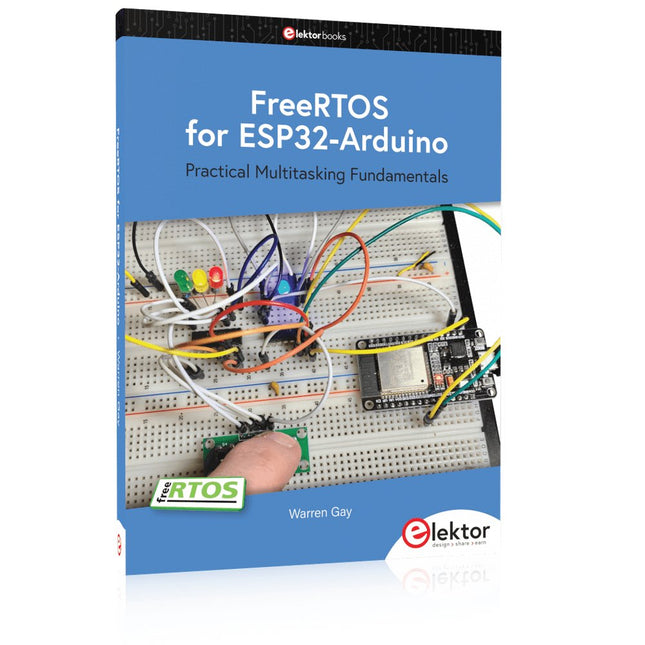
Practical Multitasking Fundamentals
Programming embedded systems is difficult because of resource constraints and limited debugging facilities. Why develop your own Real-Time Operating System (RTOS) as well as your application when the proven FreeRTOS software is freely available? Why not start with a validated foundation?
Every software developer knows that you must divide a difficult problem into smaller ones to conquer it. Using separate preemptive tasks and FreeRTOS communication mechanisms, a clean separation of functions is achieved within the entire application. This results in safe and maintainable designs.
Practicing engineers and students alike can use this book and the ESP32 Arduino environment to wade into FreeRTOS concepts at a comfortable pace. The well-organized text enables you to master each concept before starting the next chapter. Practical breadboard experiments and schematics are included to bring the lessons home. Experience is the best teacher.
Each chapter includes exercises to test your knowledge. The coverage of the FreeRTOS Application Programming Interface (API) is complete for the ESP32 Arduino environment. You can apply what you learn to other FreeRTOS environments, including Espressif’s ESP-IDF. The source code is available from GitHub. All of these resources put you in the driver’s seat when it is time to develop your next uber-cool ESP32 project.
What you will learn:
How preemptive scheduling works within FreeRTOS
The Arduino startup “loopTask”
Message queues
FreeRTOS timers and the IDLE task
The semaphore, mutex, and their differences
The mailbox and its application
Real-time task priorities and its effect
Interrupt interaction and use with FreeRTOS
Queue sets
Notifying tasks with events
Event groups
Critical sections
Task local storage
The gatekeeper task
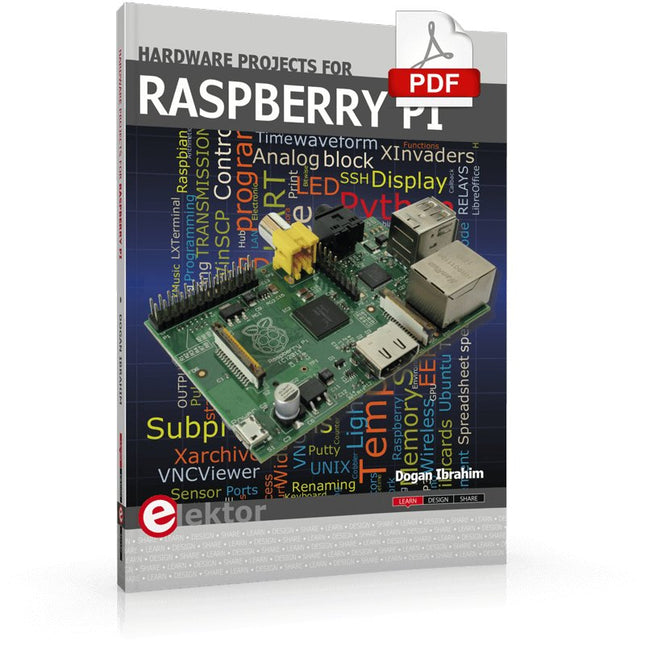
The Raspberry Pi is a $35 credit-card sized computer with many applications, such as in desktop computing, audio and video playback, and as a controller in many industrial, commercial and domestic applications.
This book is about the Raspberry Pi computer and its use in control applications. The book explains in simple terms, with examples, how to configure the RPi, how to install and use the Linux operating system, how to write programs using the Python programming language and how to develop hardware based projects.
The book starts with an introduction to the Raspberry Pi computer and covers the topics of purchasing all the necessary equipment and installing/using the Linux operating system in command mode. Use of the user-friendly graphical desktop operating environment is explained using example applications. The RPi network interface is explained in simple steps and demonstrates how the computer can be accessed remotely from a desktop or a laptop computer.
The remaining parts of the book cover the Python programming language, hardware development tools, hardware interface details, and RPi based hardware projects. All the 23 projects given in the book have been tested and are working.
The following headings are given for each project:
Project title
Project description
Project block diagram
Project circuit diagram
Project program description using the Program Description Language (PDL)
Complete program listing
Description of the program
The book is ideal for self-study, and is intended for electronic/electrical engineering students, practising engineers, research students, and hobbyists.
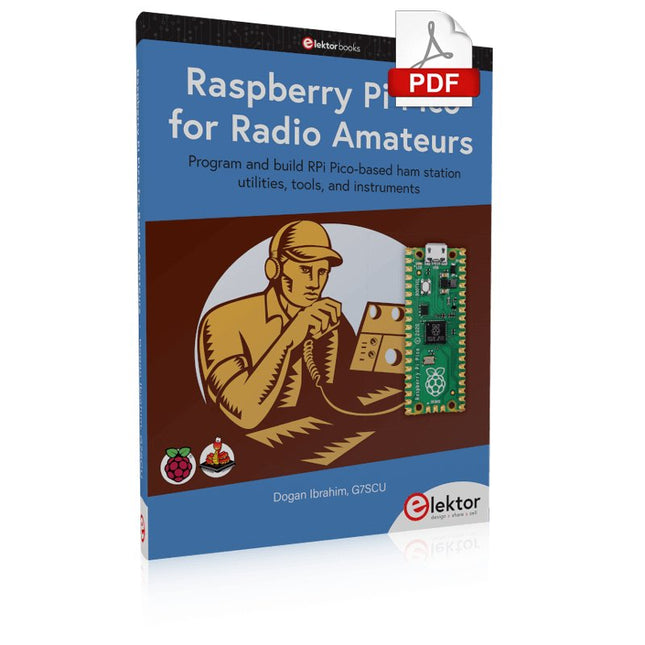
Program and build RPi Pico-based ham station utilities, tools, and instruments
Although much classical HF and mobile equipment is still in use by large numbers of amateurs, the use of computers and digital techniques has now become very popular among amateur radio operators. Nowadays, anyone can purchase a €5 Raspberry Pi Pico microcontroller board and develop many amateur radio projects using the “Pico” and some external components. This book is aimed at amateur radio enthusiasts, Electronic Engineering students, and anyone interested in learning to use the Raspberry Pi Pico to shape their electronic projects. The book is suitable for beginners in electronics as well as for those with wide experience.
Step-by-step installation of the MicroPython programming environment is described. Some knowledge of the Python programming language is helpful to be able to comprehend and modify the projects given in the book. The book introduces the Raspberry Pi Pico and gives examples of many general-purpose, software-only projects that familiarize the reader with the Python programming language. In addition to the software-only projects tailored to the amateur radio operator, Chapter 6 in particular presents over 36 hardware-based projects for “hams”, including:
Station mains power on/off control
Radio station clock
GPS based station geographical coordinates
Radio station temperature and humidity
Various waveform generation methods using software and hardware (DDS)
Frequency counter
Voltmeter / ammeter / ohmmeter / capacitance meter
RF meter and RF attenuators
Morse code exercisers
RadioStation Click board
Raspberry Pi Pico based FM radio
Using Bluetooth and Wi-Fi with Raspberry Pi Pico
Radio station security with RFID
Audio amplifier module with rotary encoder volume control
Morse decoder
Using the FS1000A TX-RX modules to communicate with Arduino
,
von Burkhard Kainka
RTL-SDR Blog V4 - Besser als V3? (Review)
RTL-SDR-Blogsticks gibt es schon seit einiger Zeit. Hiermit können HF-Signale bis zu 1 GHz oder höher empfangen werden. Der RTL-SDR Blog V4 ist nun schon...